
Australia’s private Caravan travel network.
Member Help Desk
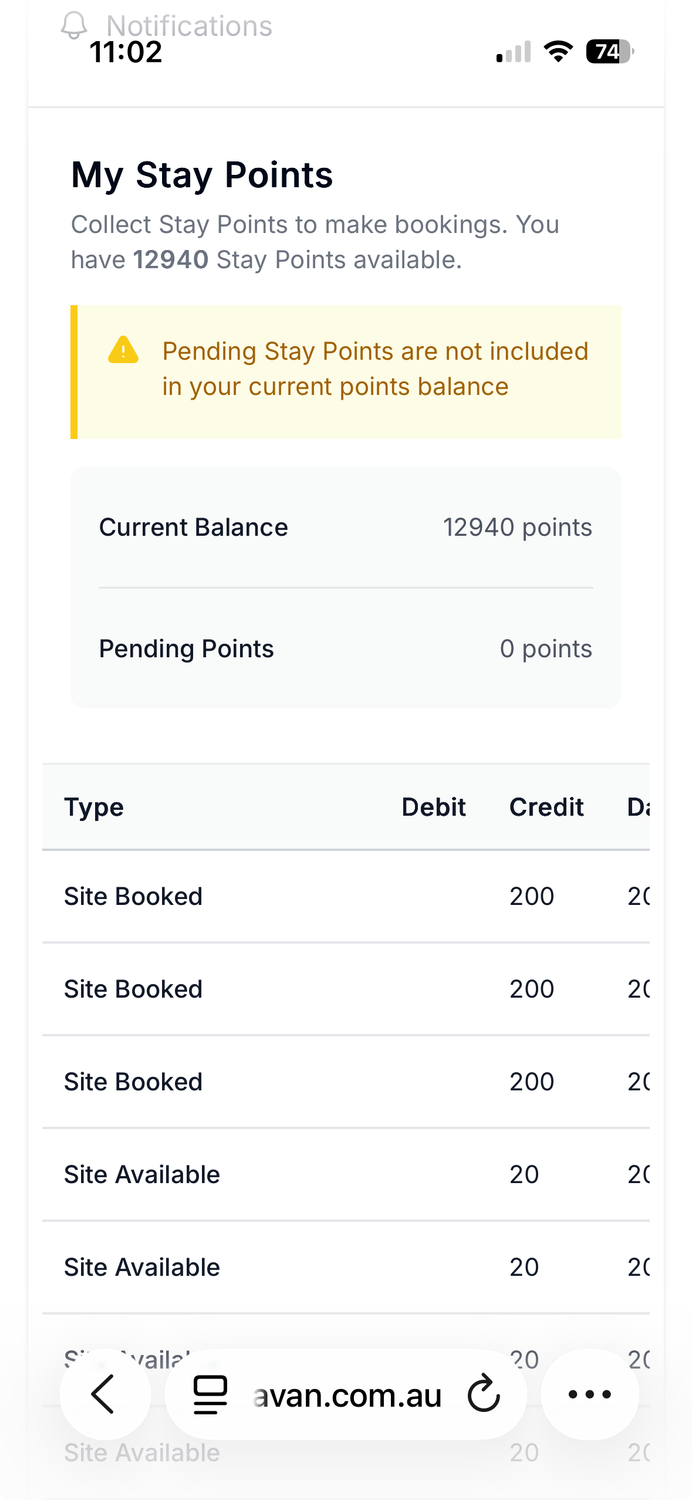
Landavan runs on a structured points system to keep the exchange fair and balanced.
Here’s how it works:
• 20 points per day
You earn 20 points for every day your calendar is open and available to host.
• 200 points per completed stay
When a member completes a stay on your property, you earn 200 points automatically.
• Points are allocated automatically
There’s nothing you need to claim or track manually.
• Points never expire
You can use them whenever you’re ready to travel.
Points are used when you stay on other members’ properties.
There is no money exchanged between members — just a balanced, respectful exchange.
One day you host.
Another day you travel.
That’s how Landavan stays fair.
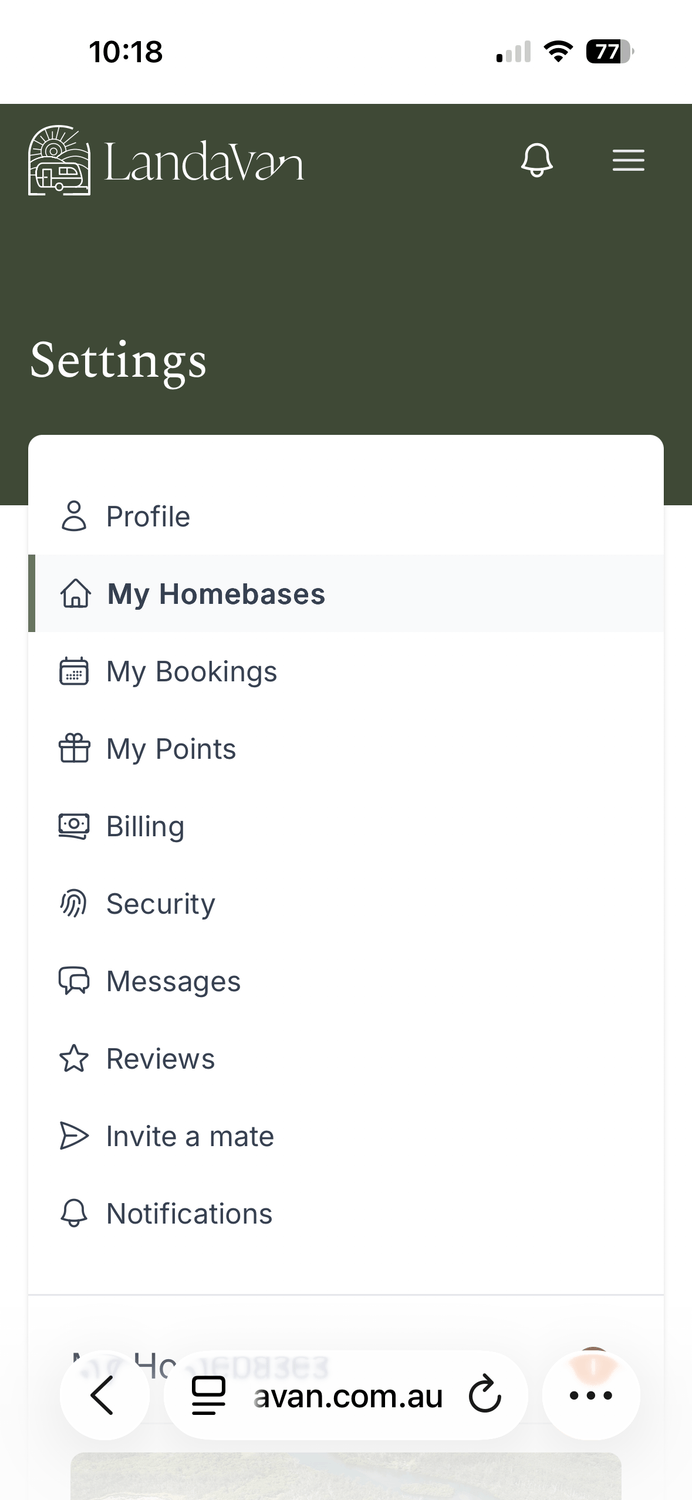
Log in to the Lanadavan web app and click on "MY HOMEBASE'
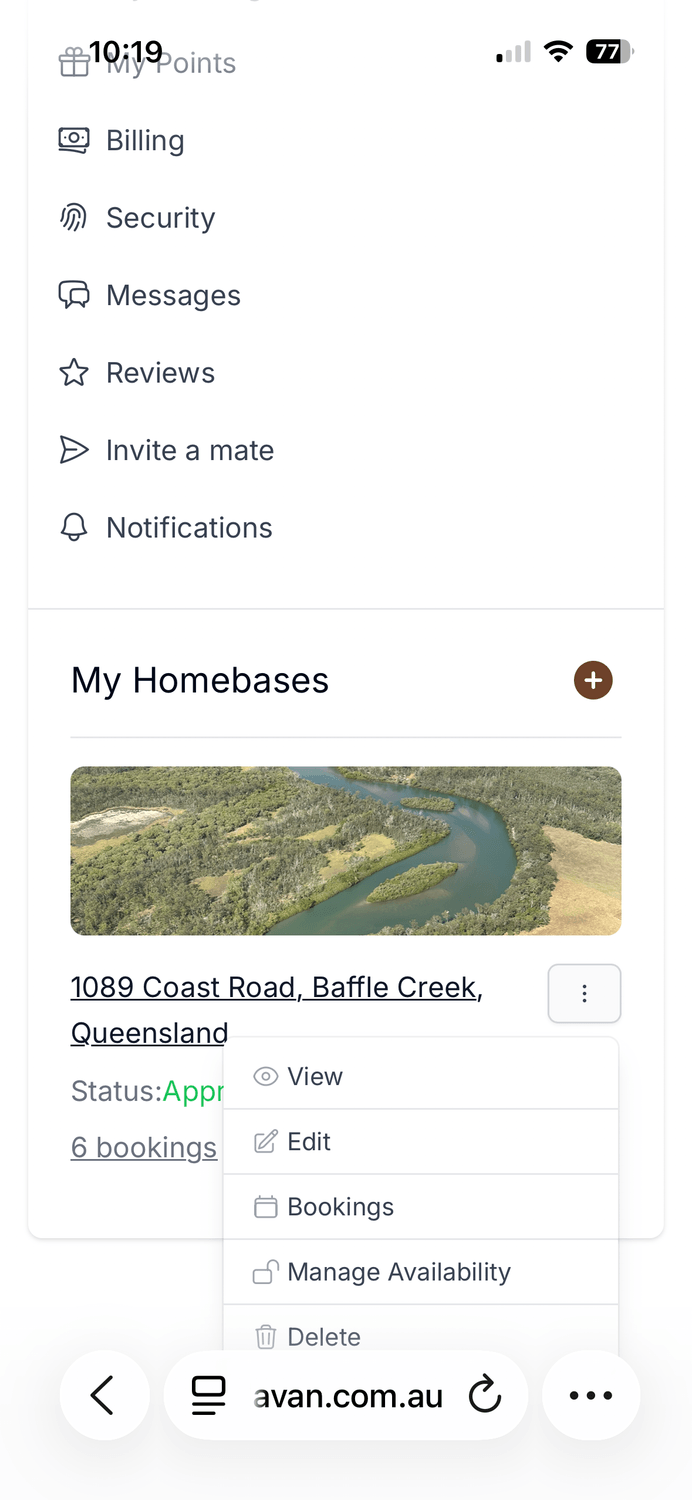
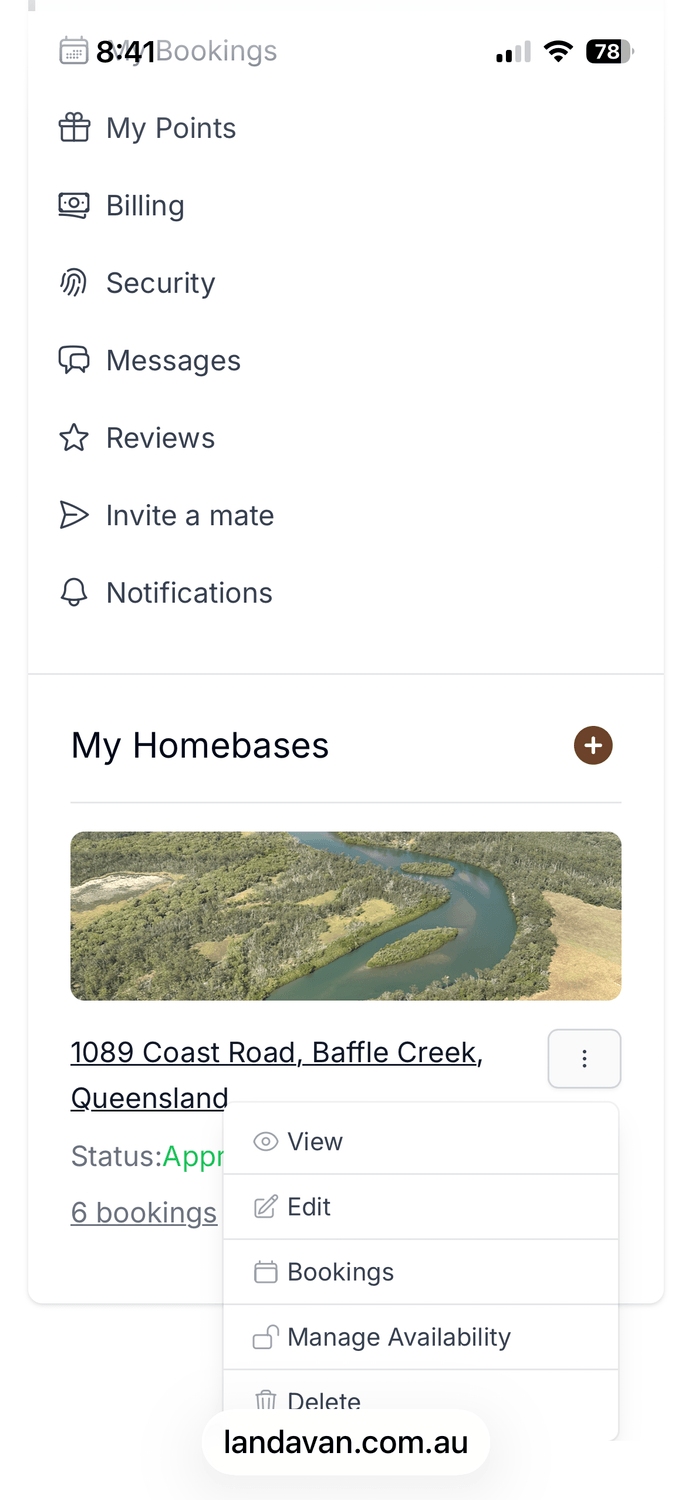
Scroll down and click on the three dots, then in the dropdown "Manage Availability" scroll to the Calendar
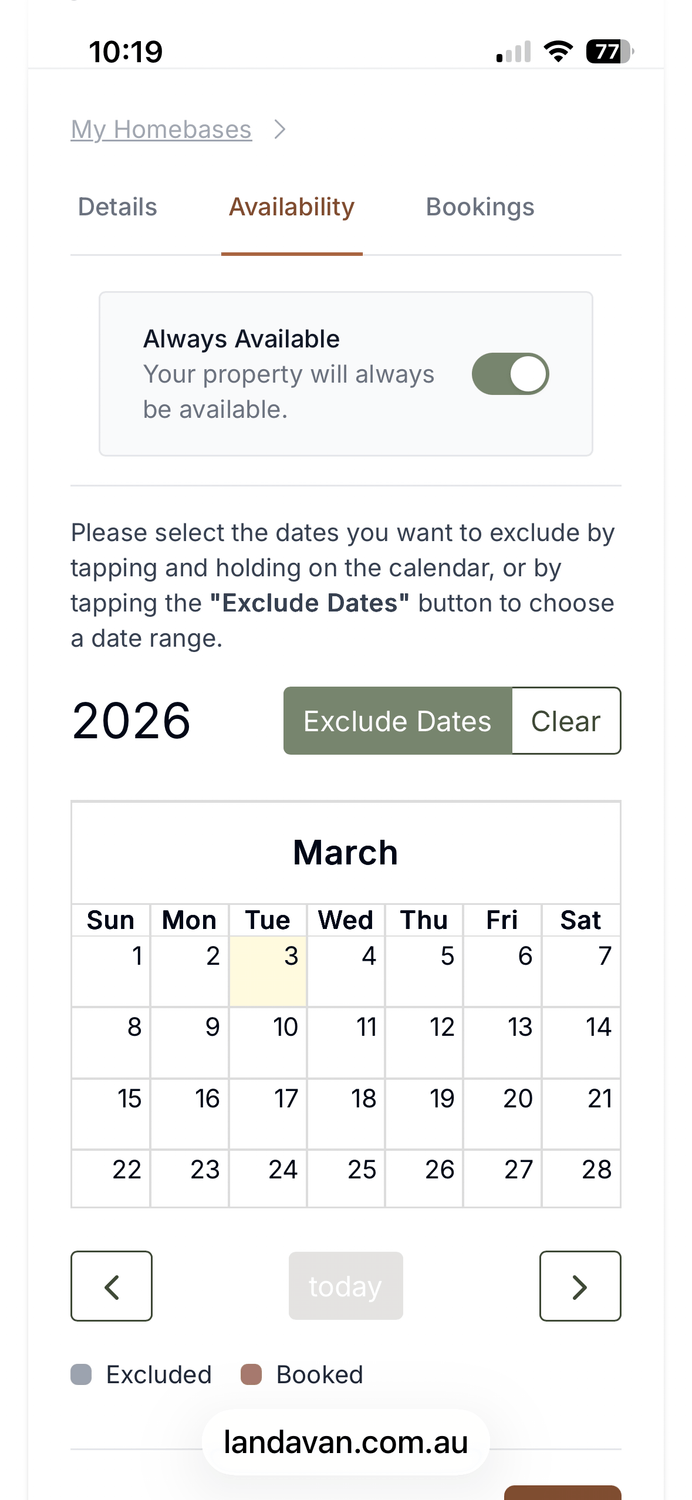
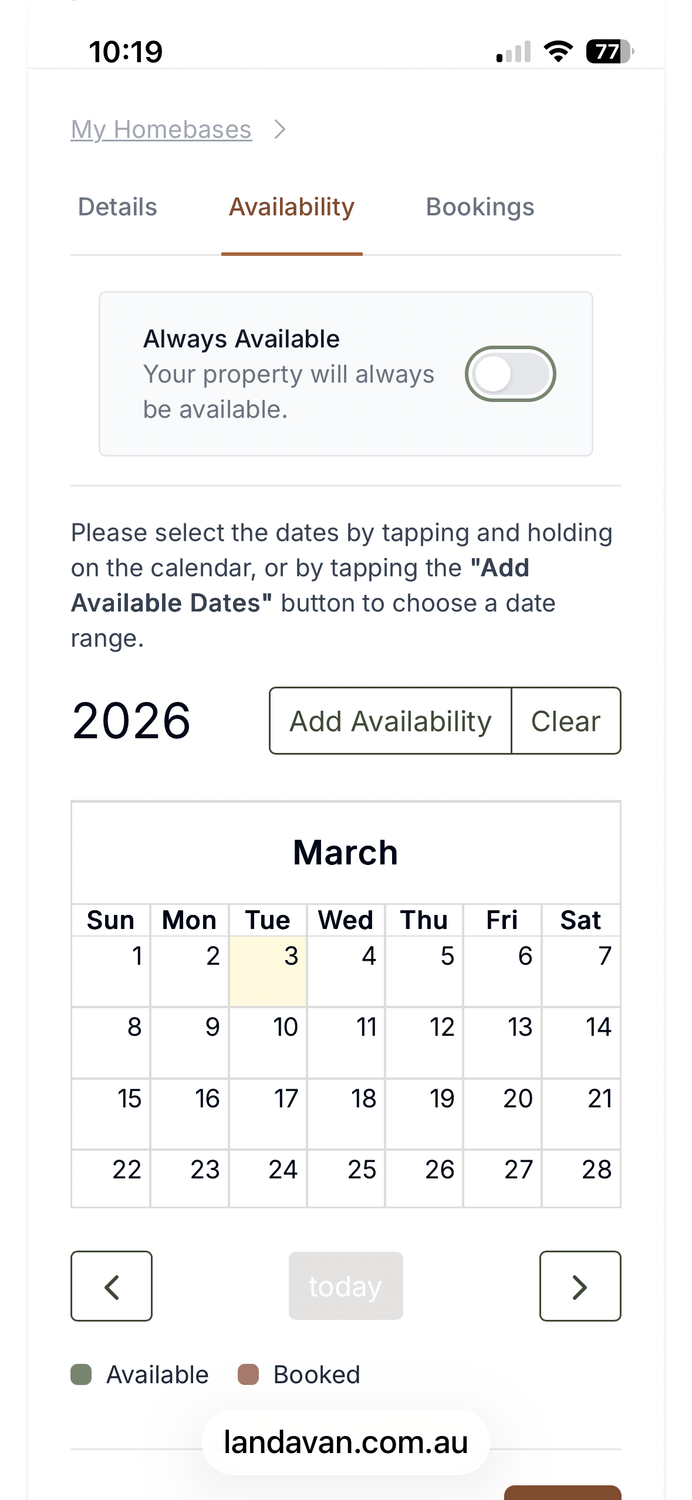
You can slide the toggle to "Always Available" then Exclude dates this setting will give you most points, and don't worry if it's not perfect,
you can still reject bookings if you didn't have it updated, we all understand, make sure you click 'SAVE"
If you have less availability set you dates manually, the community will be very grateful, make sure you click 'SAVE"
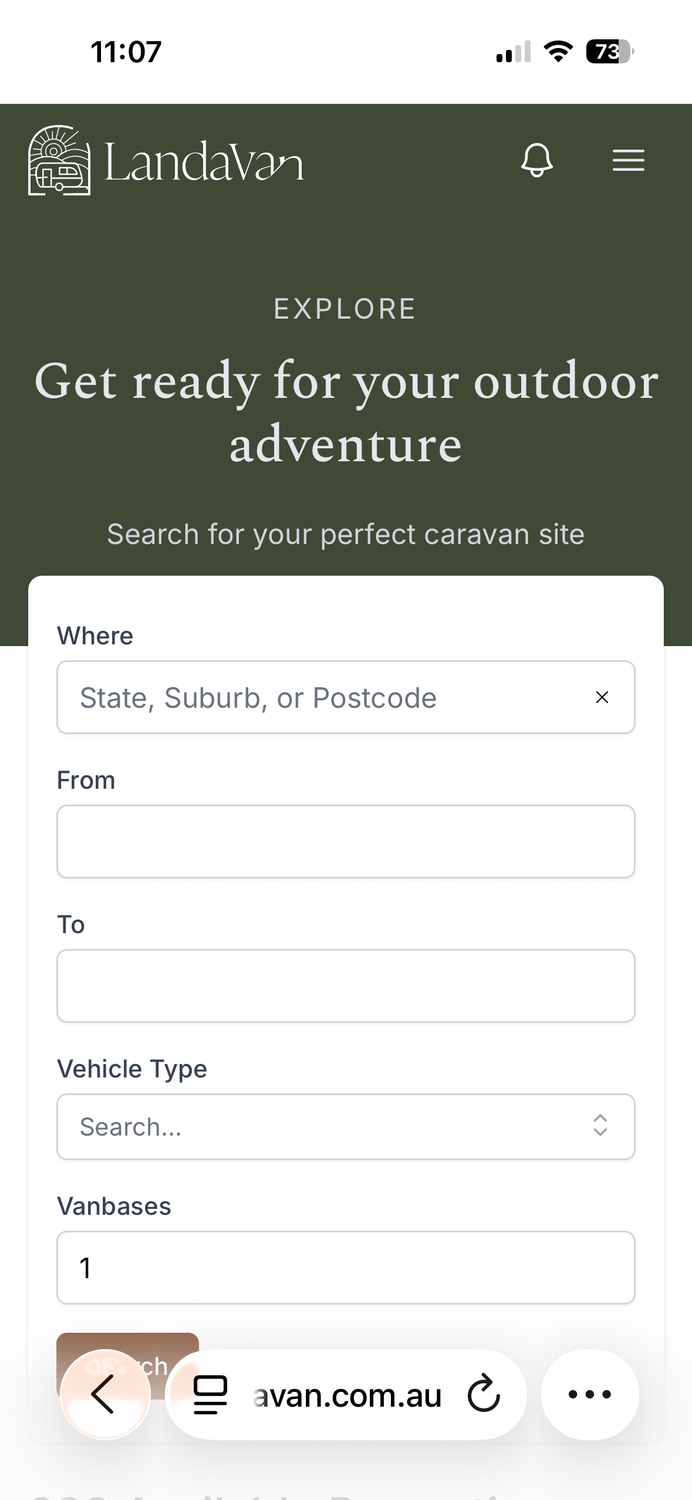
Sign into the Landavan webapp, click the "SEARCH" button
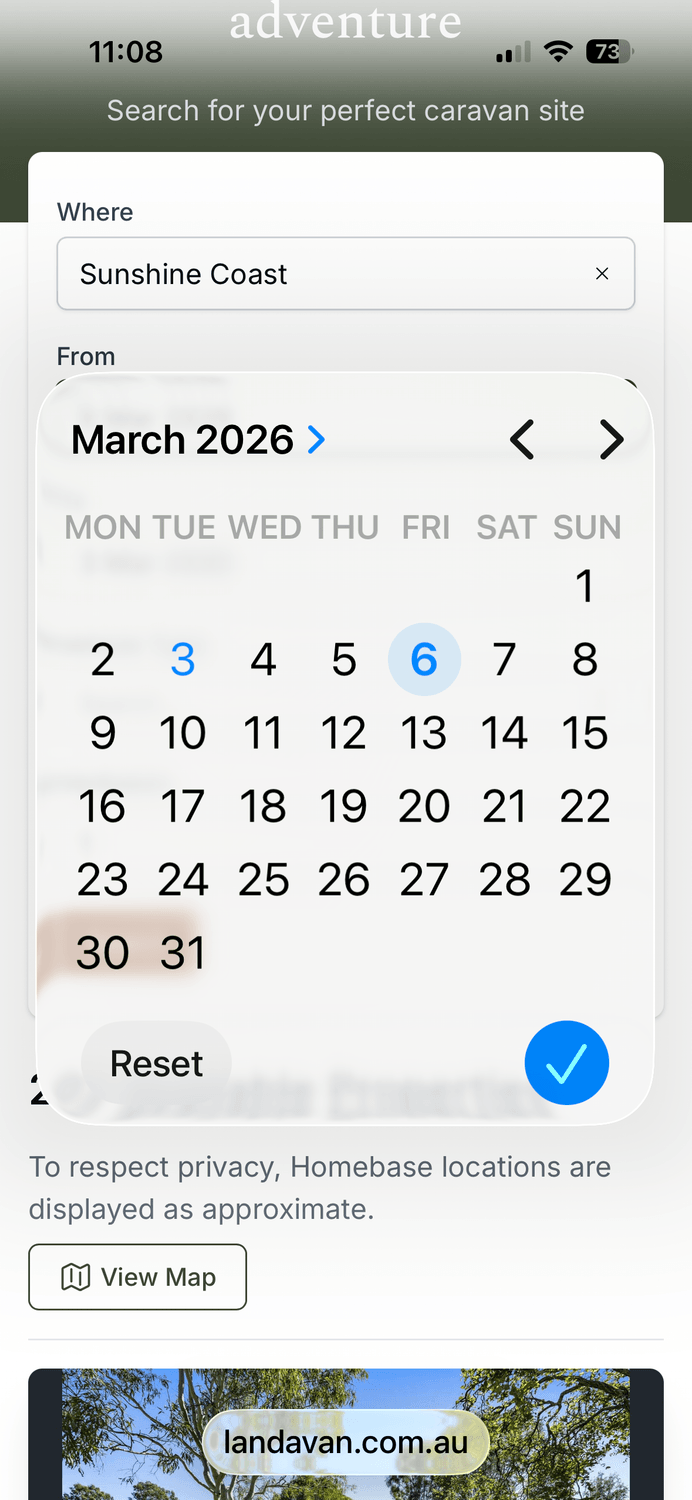
Add a date range and the size of your set up.
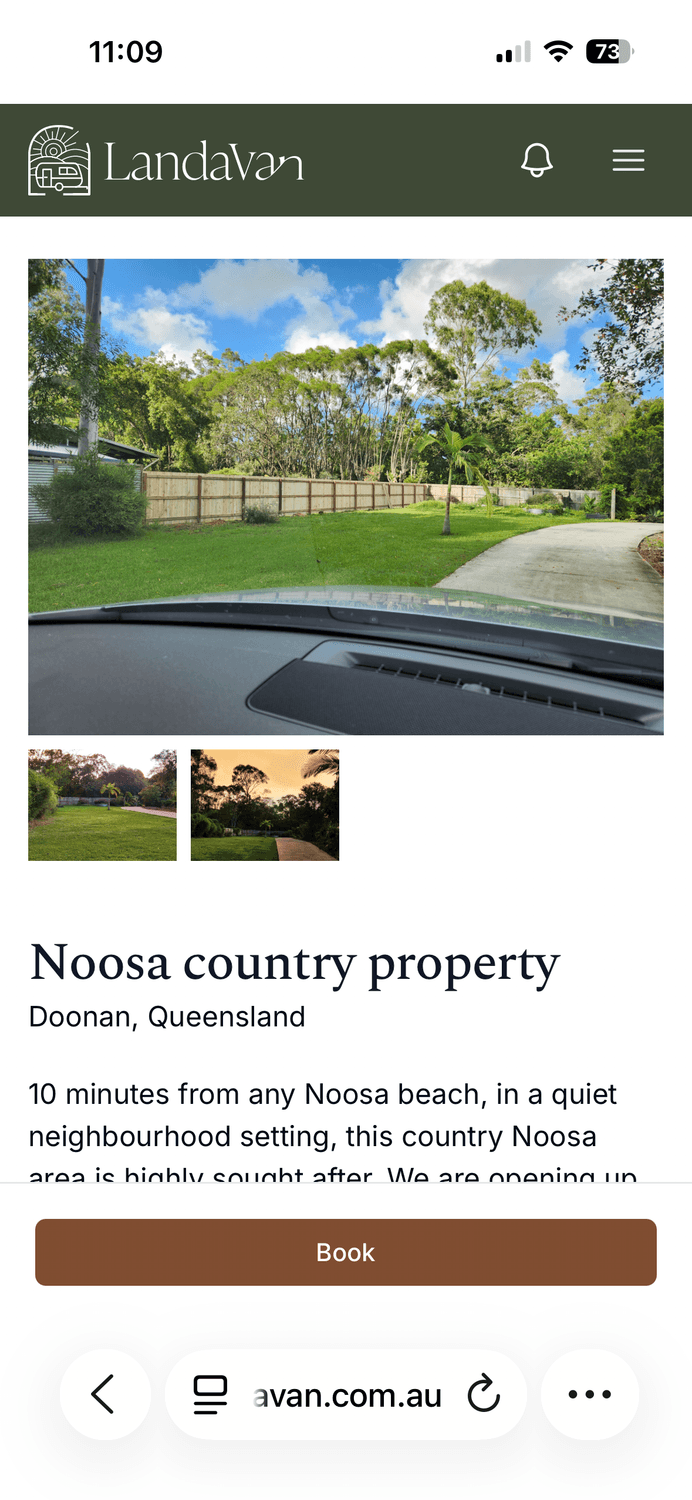
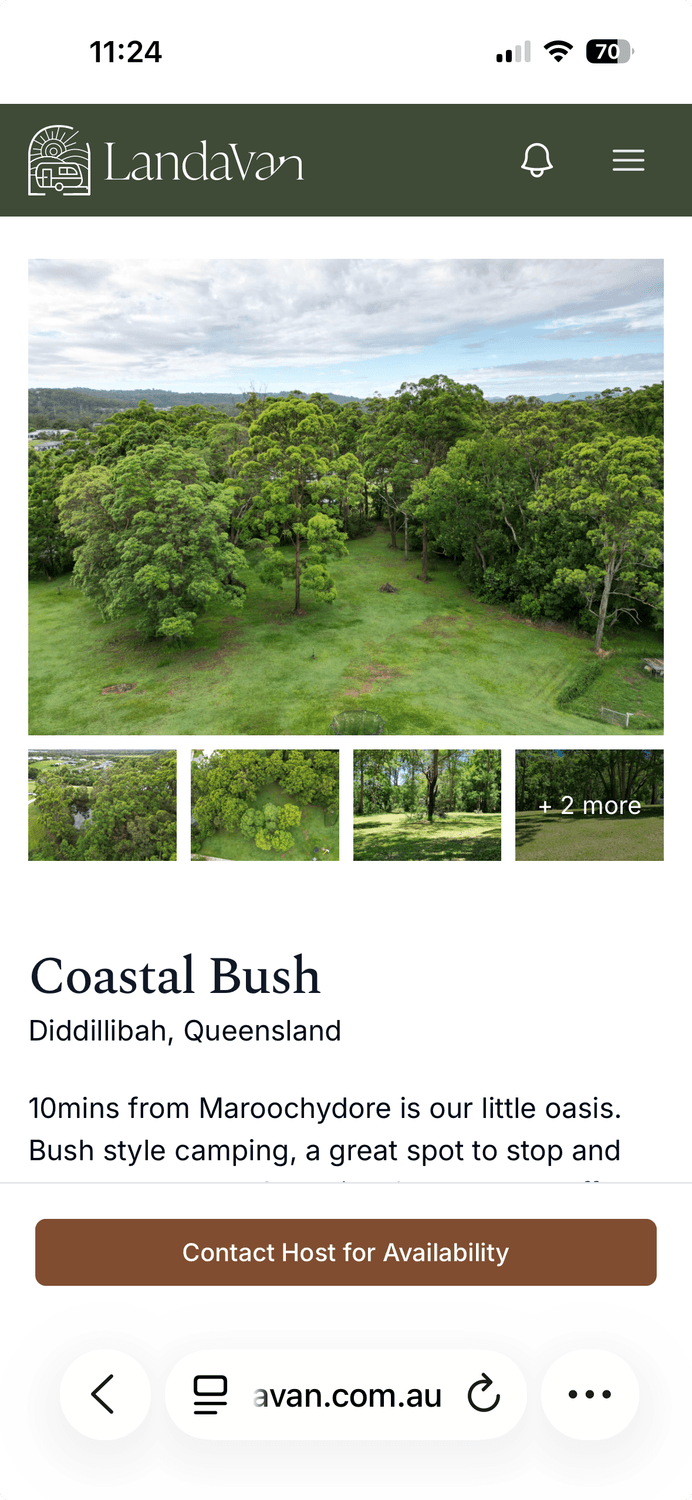
Find a suitable property and click "BOOK" the host will be sent a request
Some properties have not set availability but are happy to be contacted for inquiries,, just click "CONTACT HOST"
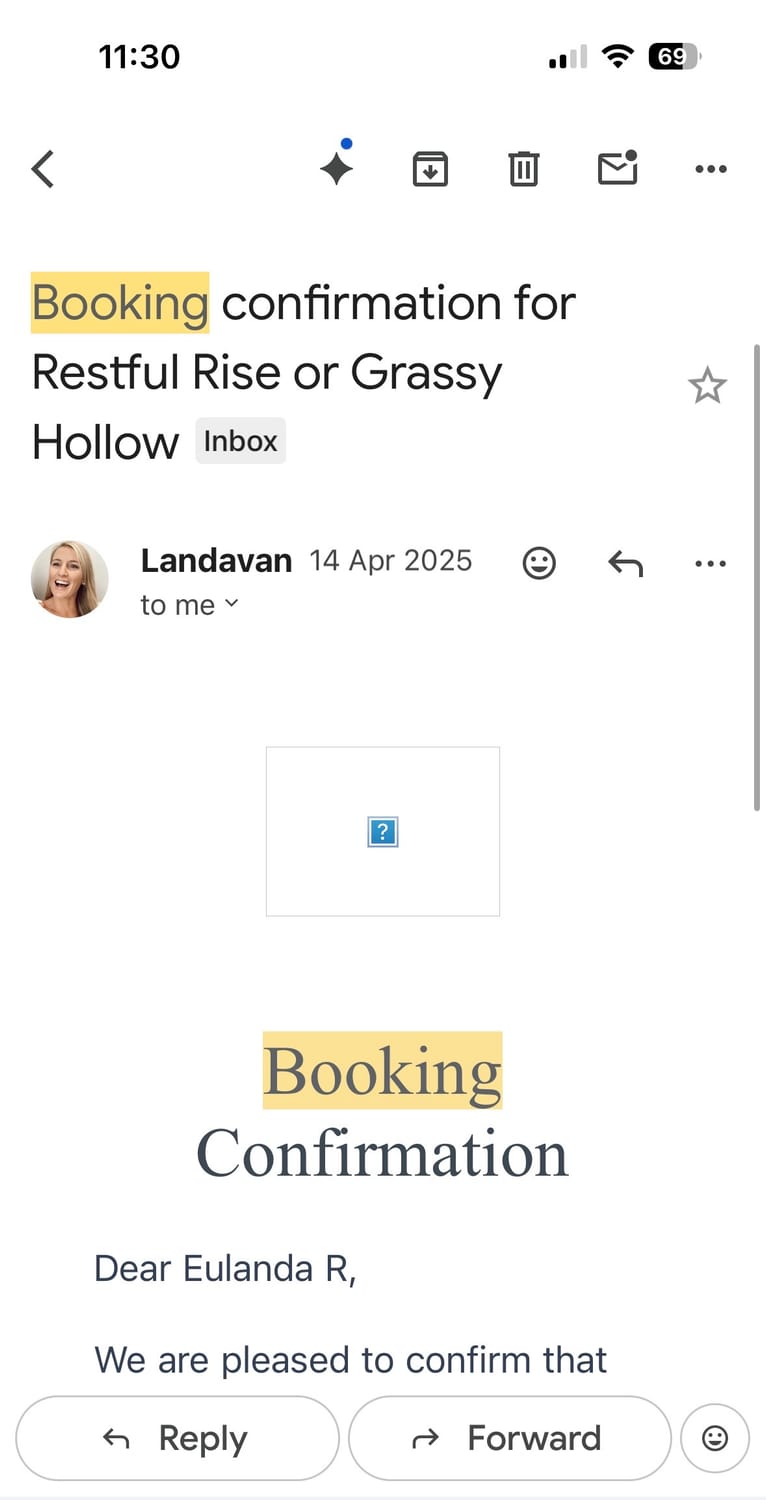
You will receive confirmation via email (check spam also) with contact details and the address, once the host has approved the booking.
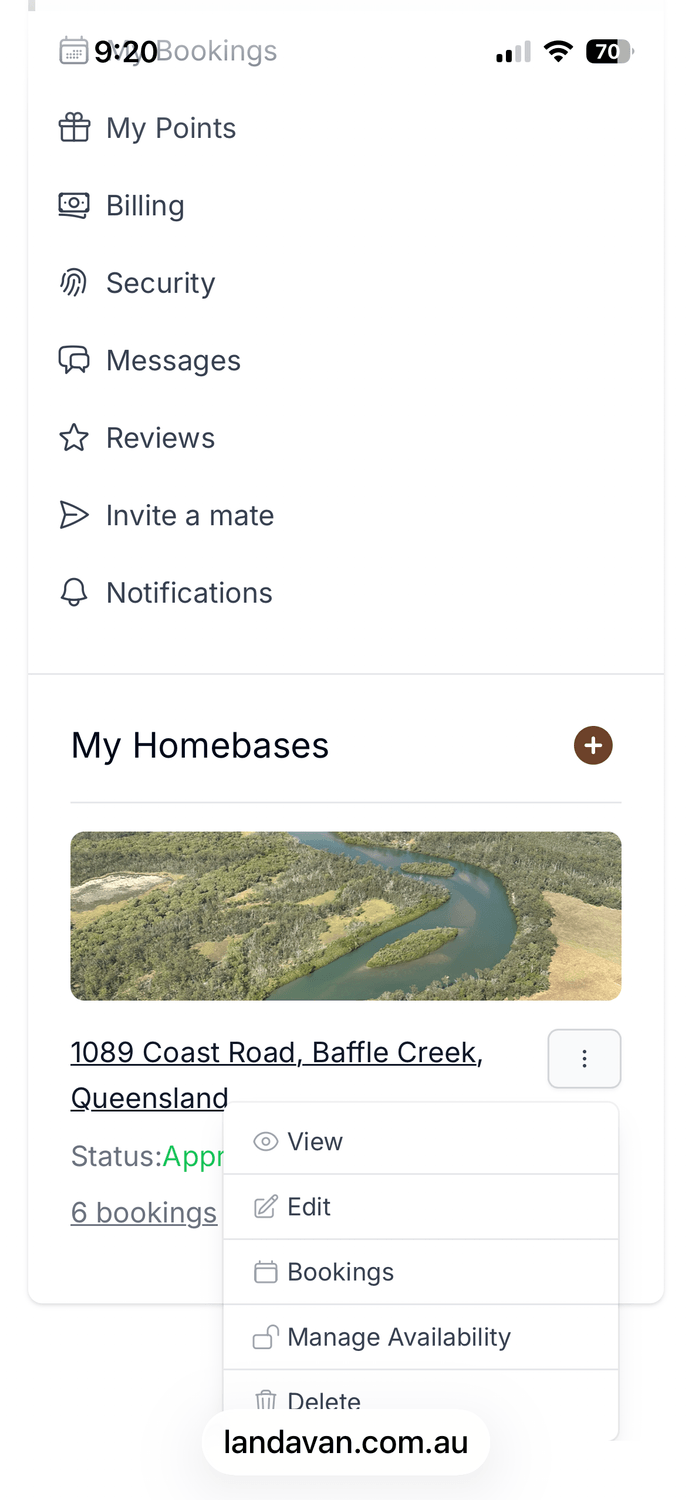
Click on "MY BOOKINGS"
Scroll down to the three dots, click on "BOOKINGS"
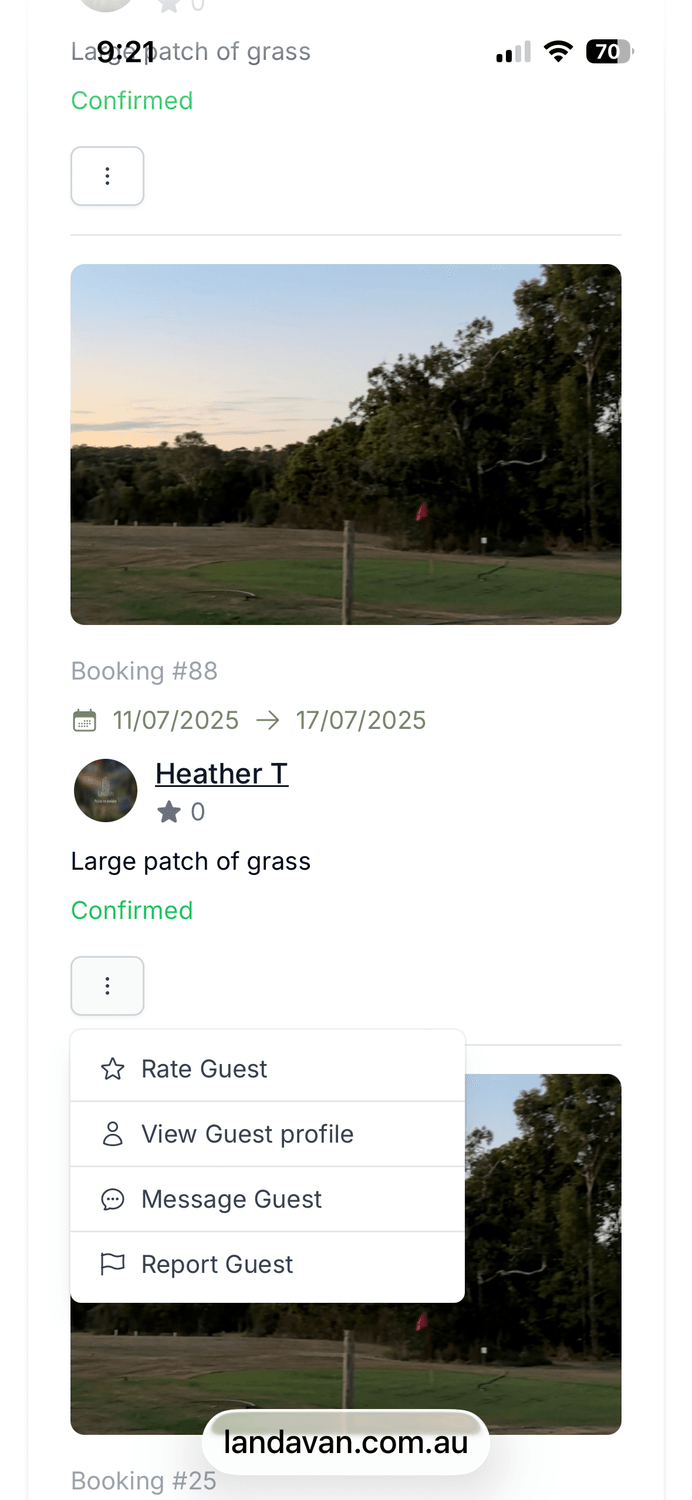
There you will find the list of requests, click on "CONFIRM" to confirm the booking, you can also look at the members profile or message them before you approve the booking.
After 48 hours, Email or txt me and I will do my best to get in contact with the host.
Sometimes the web apps emails end up in spam.
Ph. 0400 488 675
You will receive an email, notification for a booking request.
Click on "HOMEBASES" scroll to the three dots
Click "BOOKINGS" you will see a list of previous bookings and requests.
Click on "MY BOOKINGS"
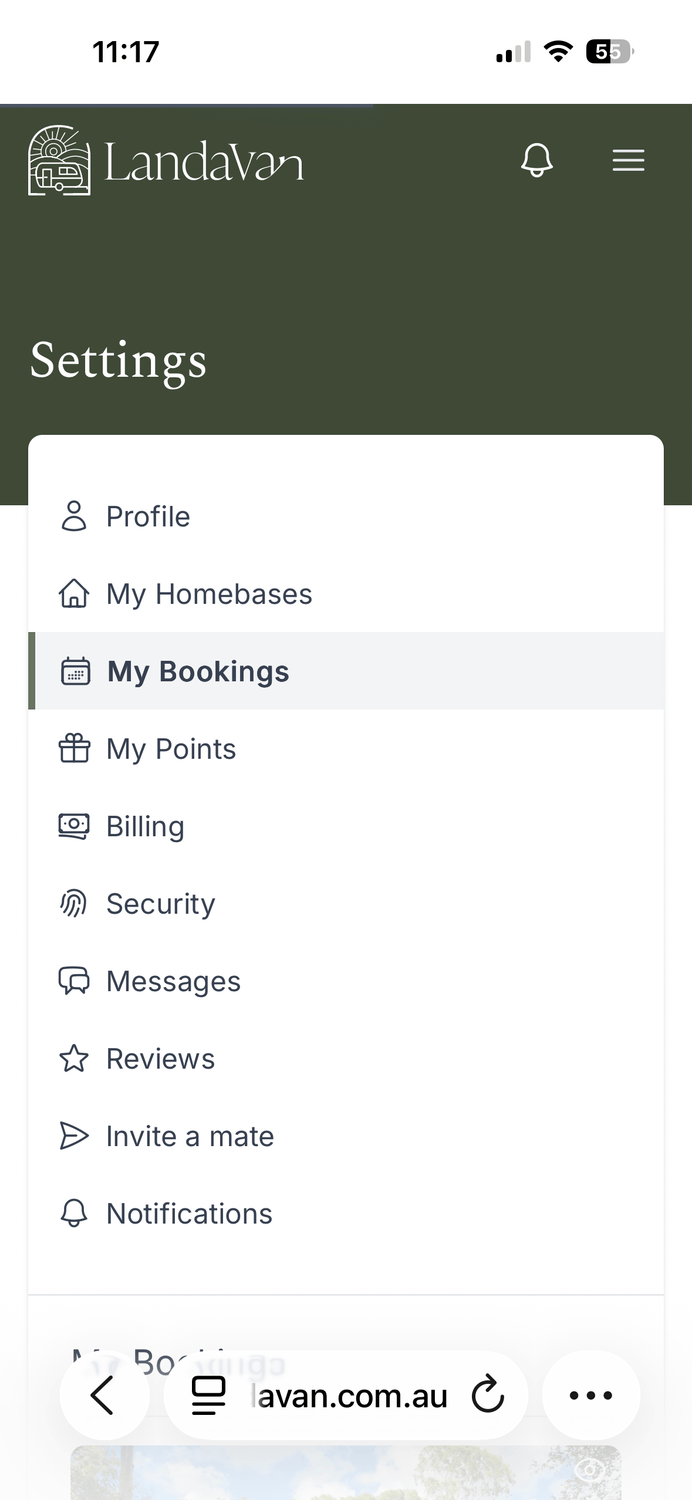
There will be a list of everything you have booked, also a tab to message the host.
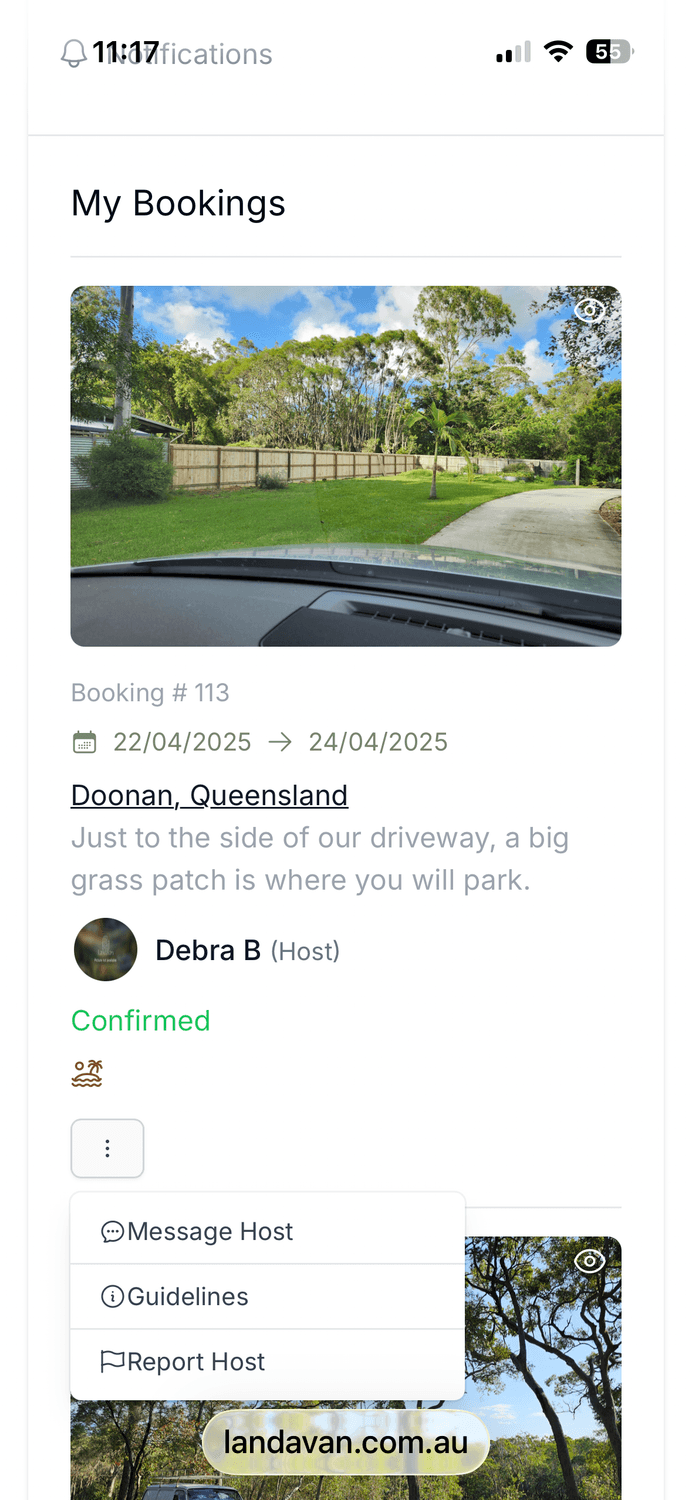
Click on "HOMEBASE" and scroll down
Click on "RATE GUEST"
Rate the guest, it all helps other members.
Click "MESSAGES" on the settings screen
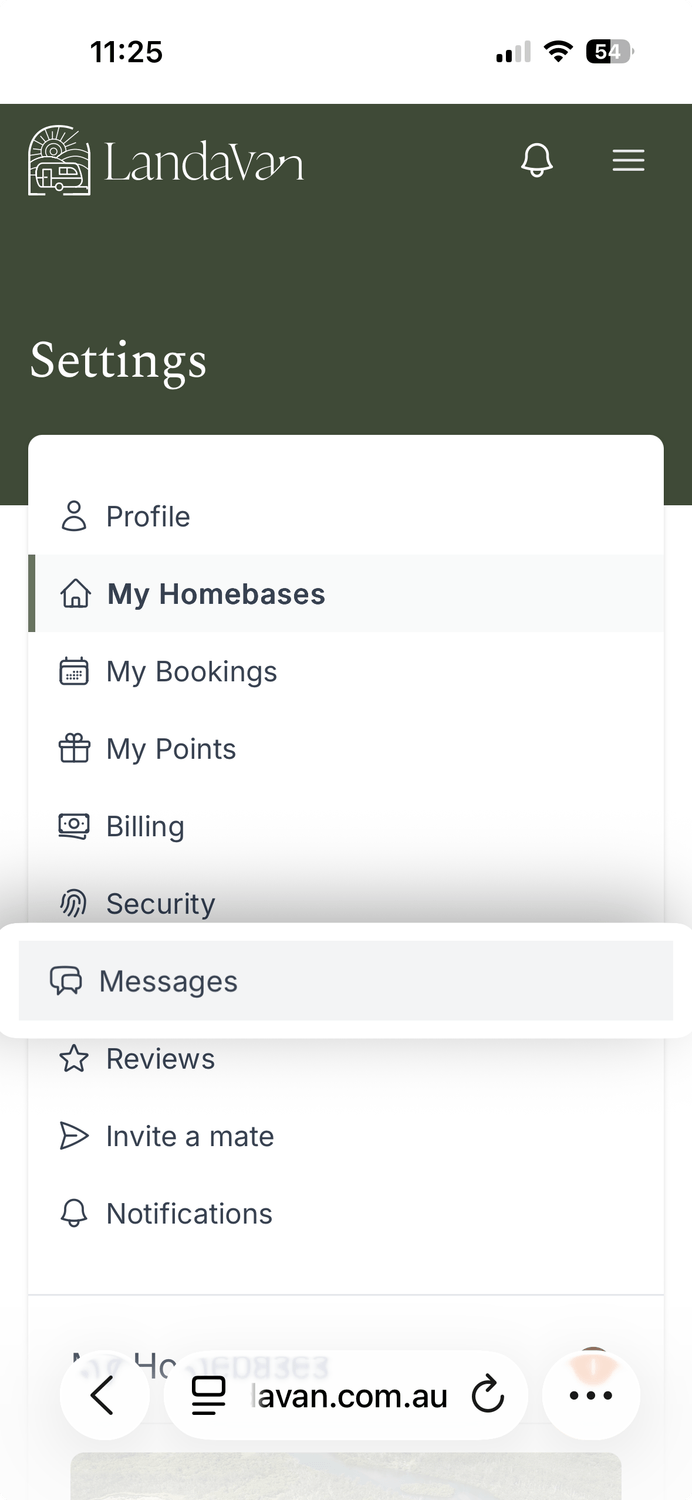
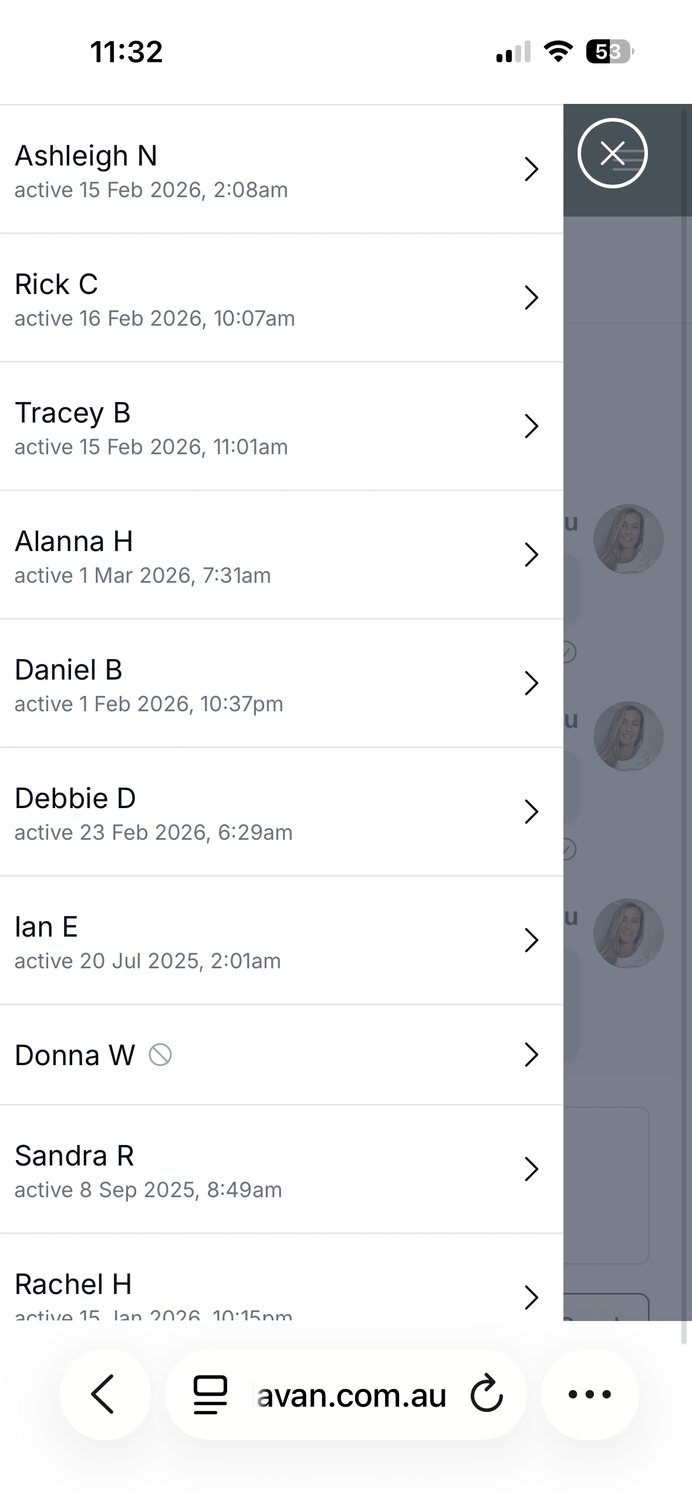
LoreThis will take you to your last message. To see the list of contacts click the two horizontal lines on the top left.
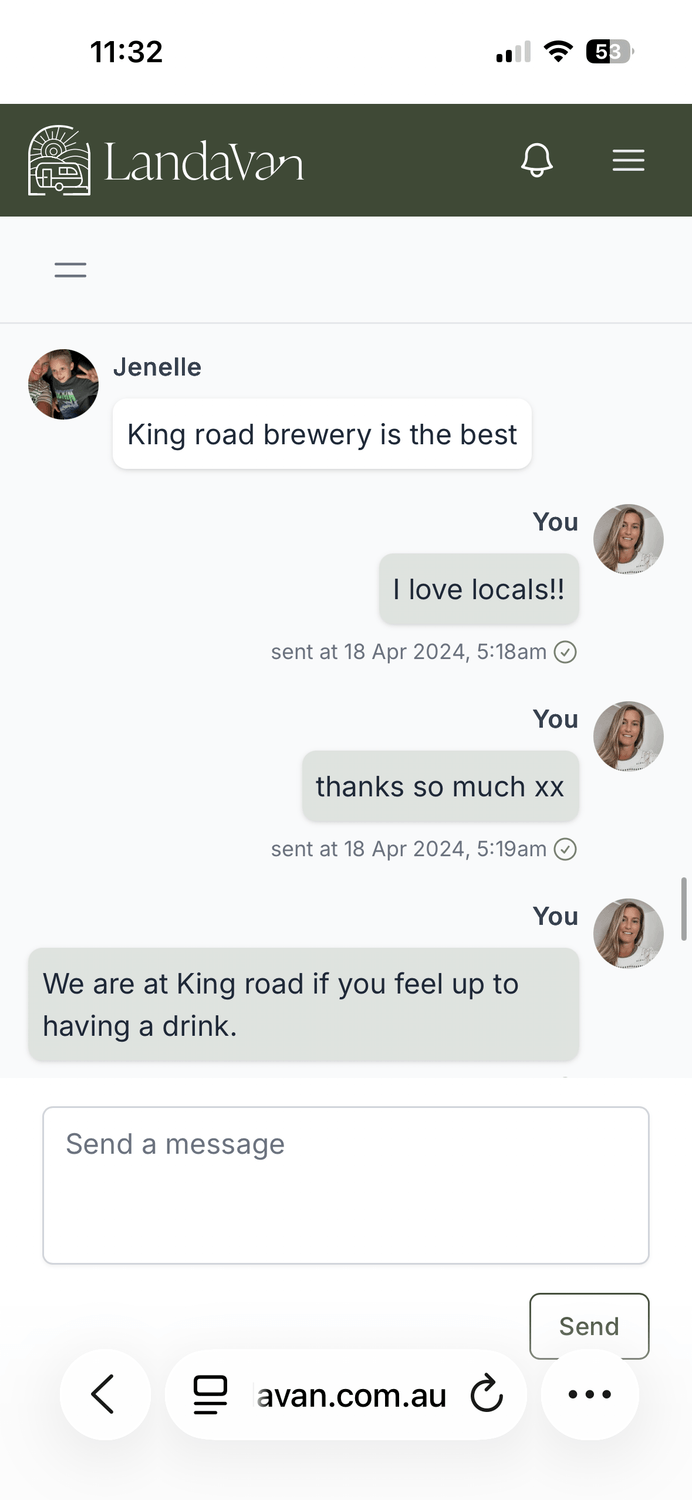
Click on the contact to view the conversation
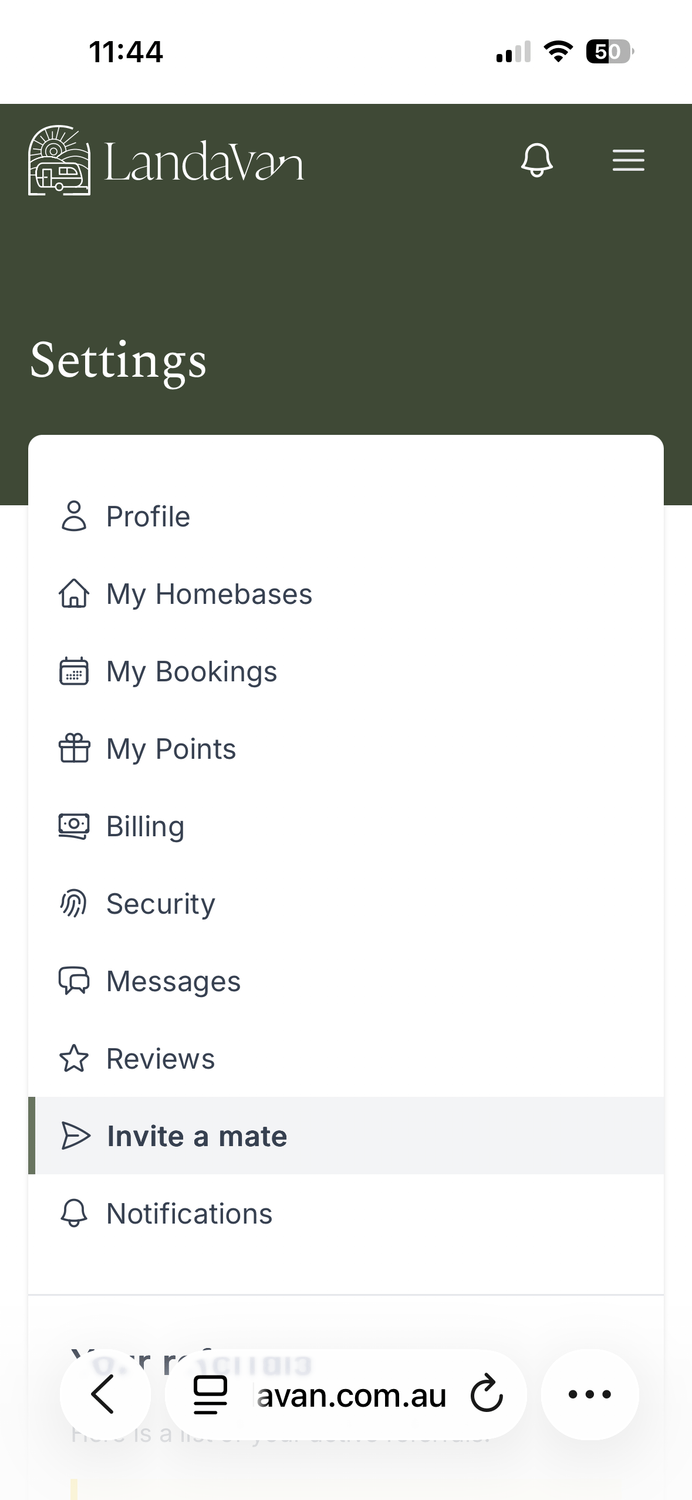
In settings screen click " INVITE A MATE" you will receive 400 points each.
The link stays active for 2 weeks.
Click on 'BILLING" scroll down.
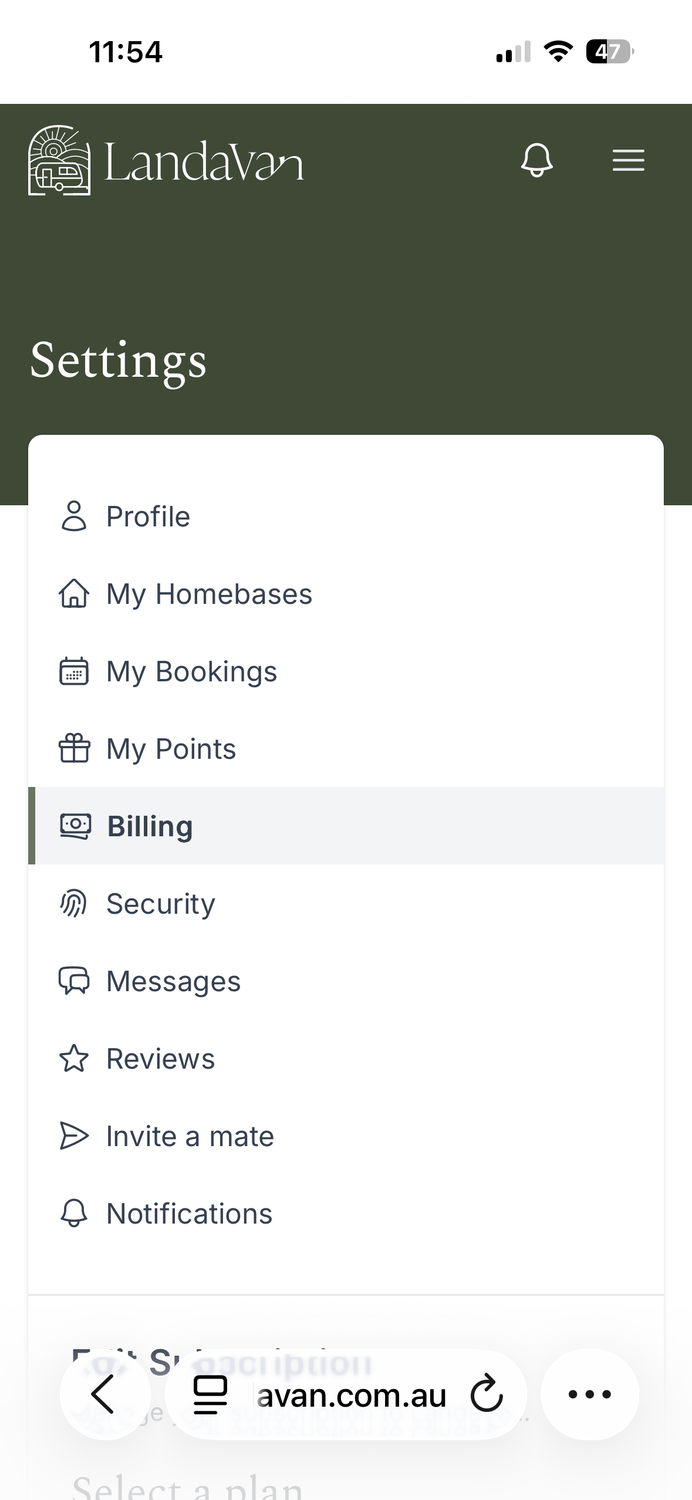
Here you can see your plan.
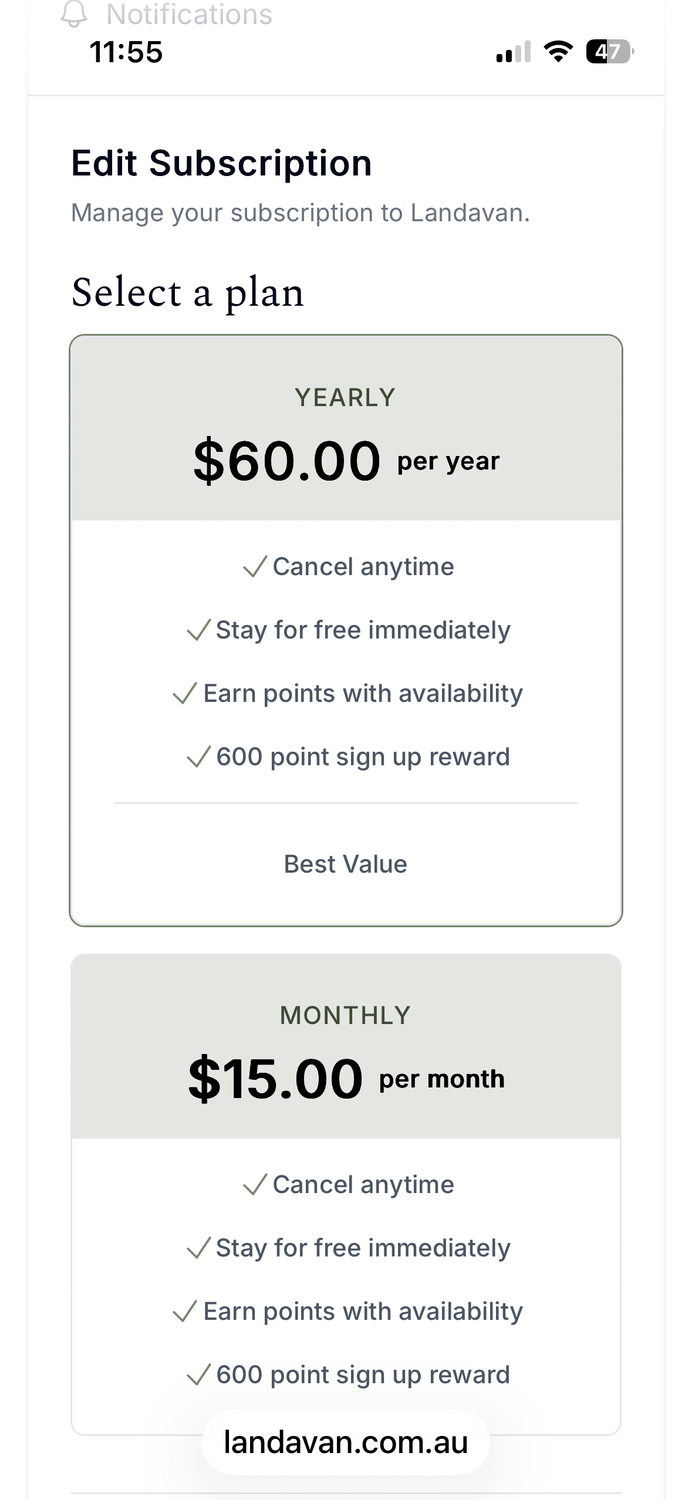
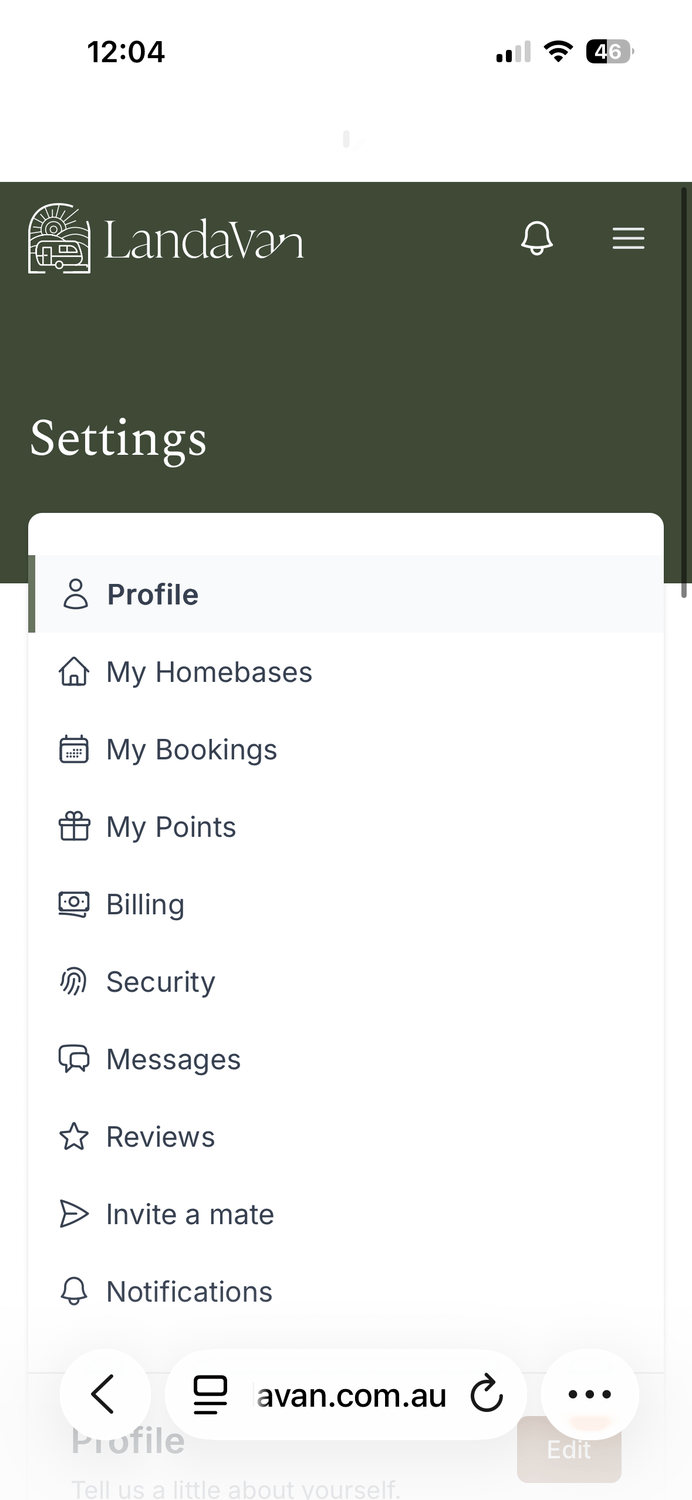
In settings click "PROFILE" here you can add a bit about yourself and edit easily, don't forget to hit "SAVE"
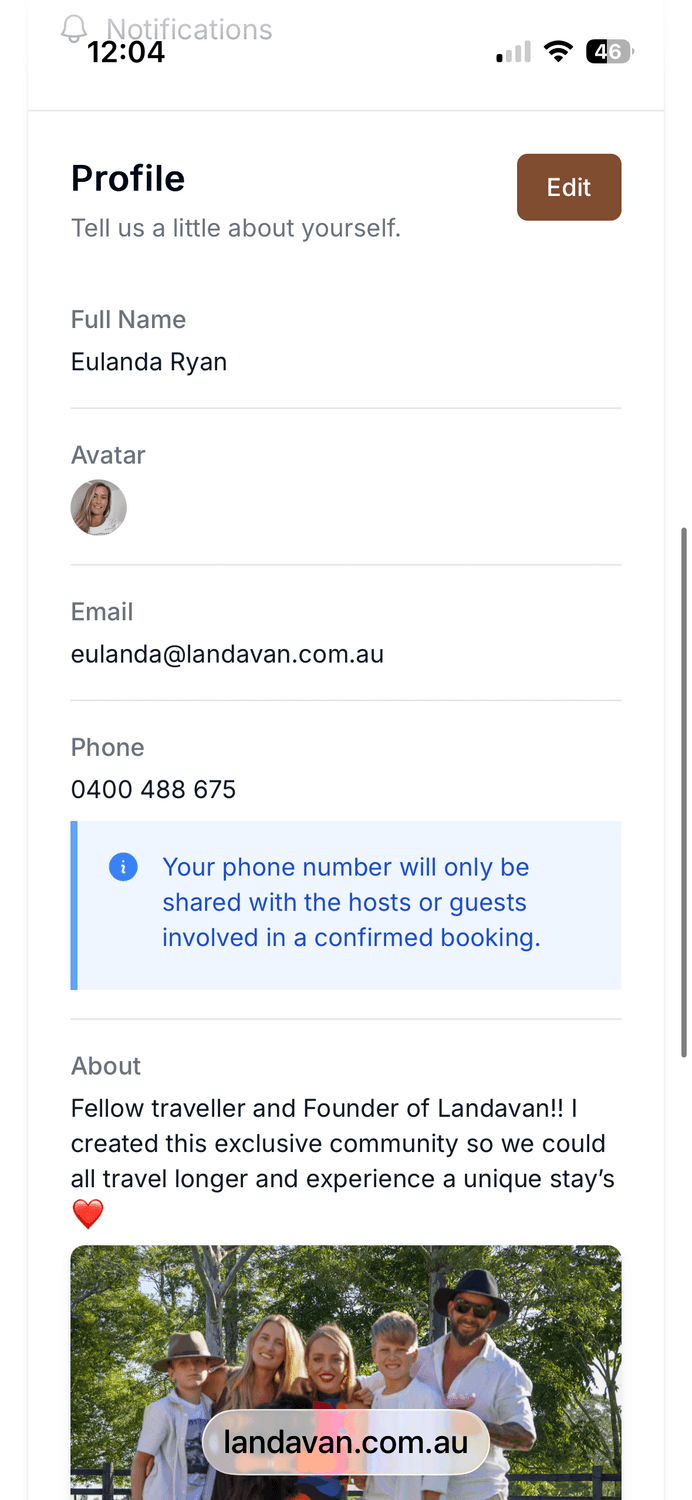
Make sure to tell us a bit about yourself and a picture always helps
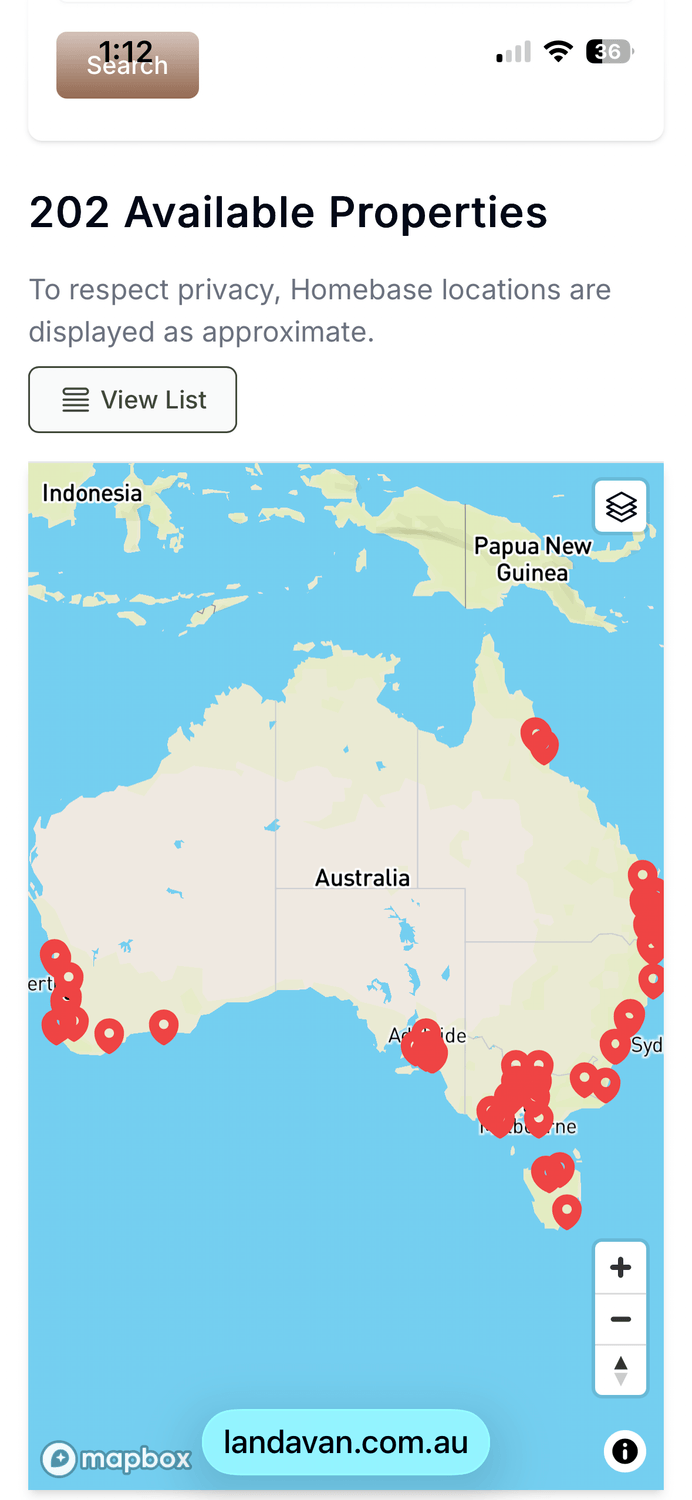
In the search page click on "VIEW MAP"

Just zoom in and click on the red flags for more details
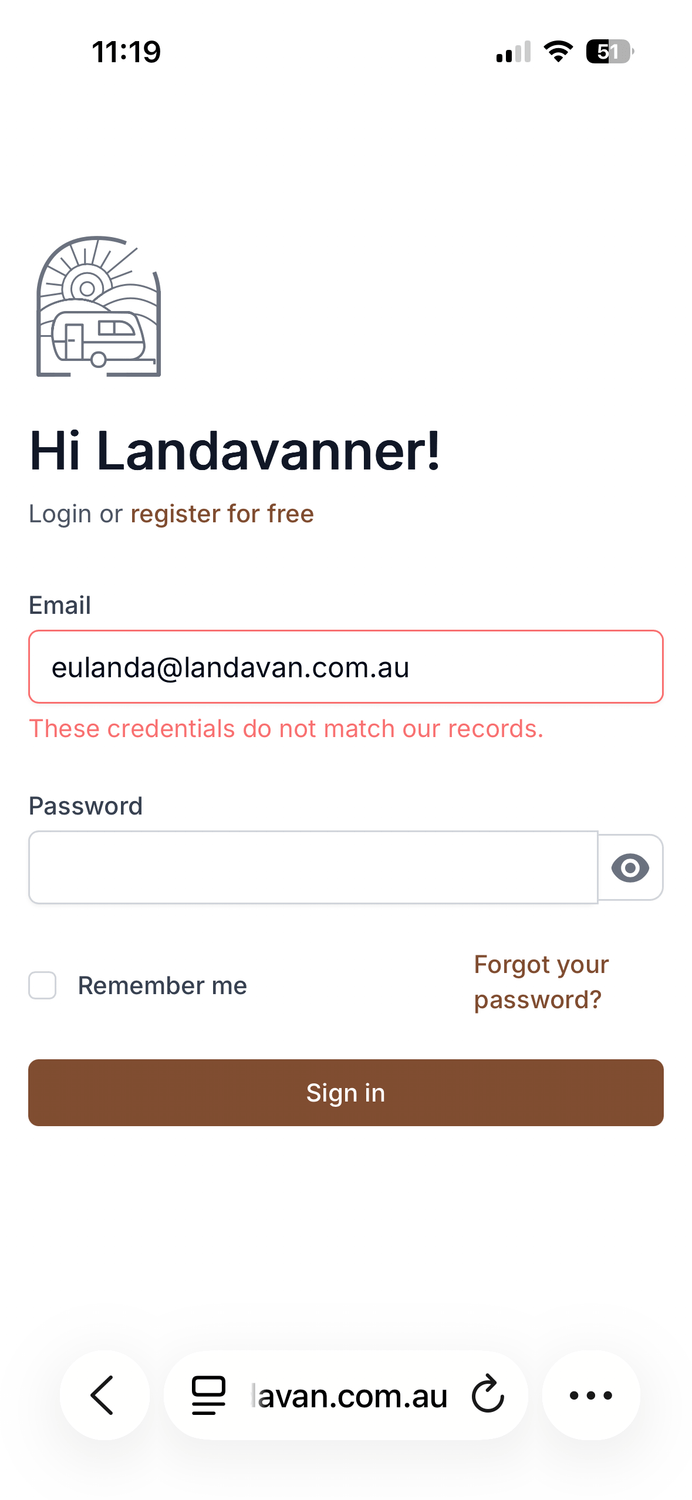
A wrong password input will look like this same as the wrong email.
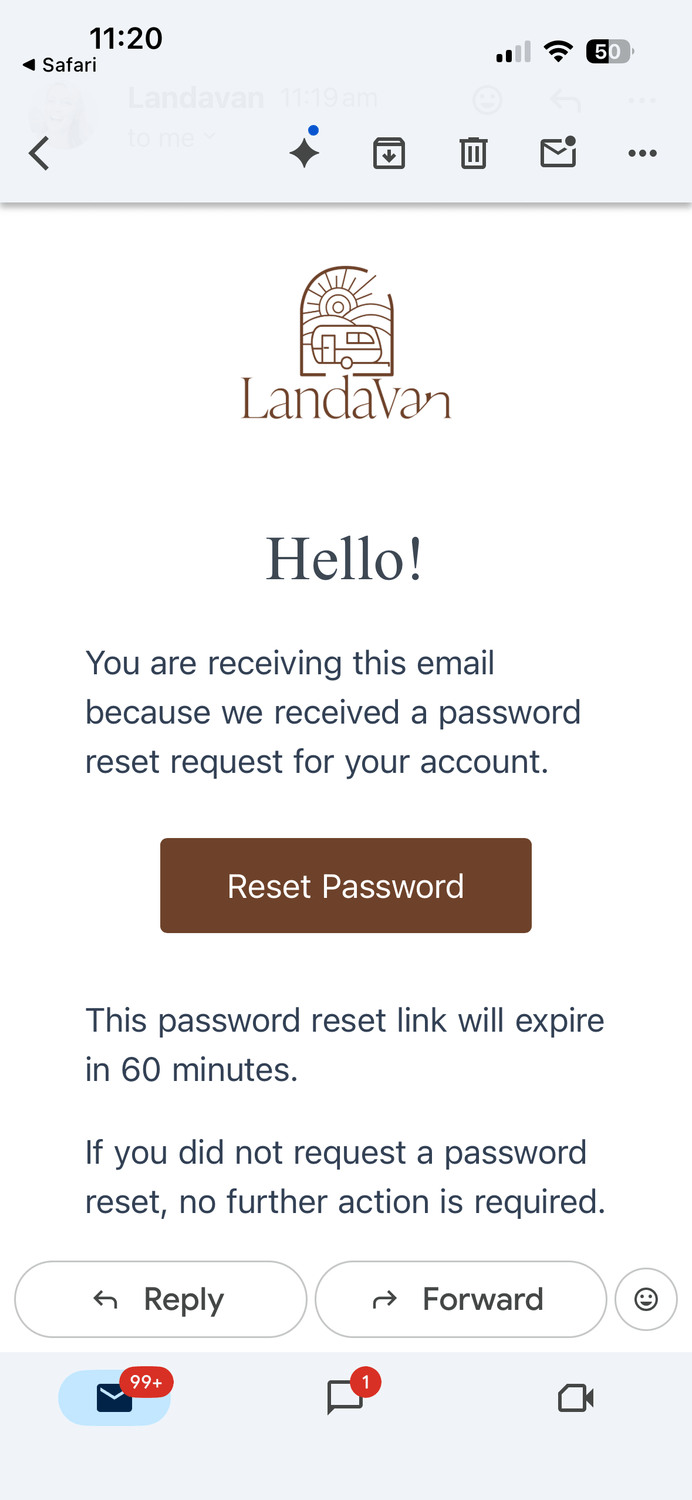
Click on forgot password, you will be sent a link, check your spam folder.
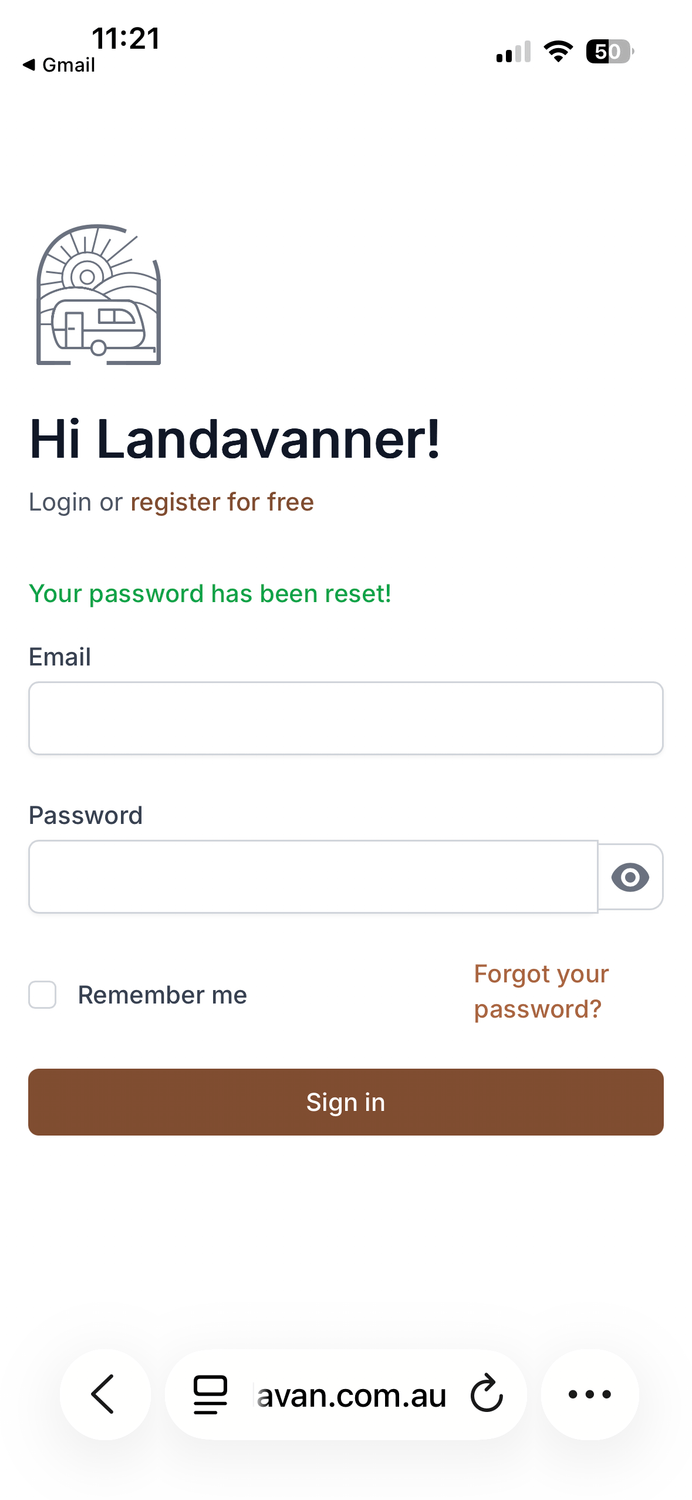
After changing your password, you can log back in.
You have unread messages in your inbox.
Log into the site and select "MY HOMEBASE"
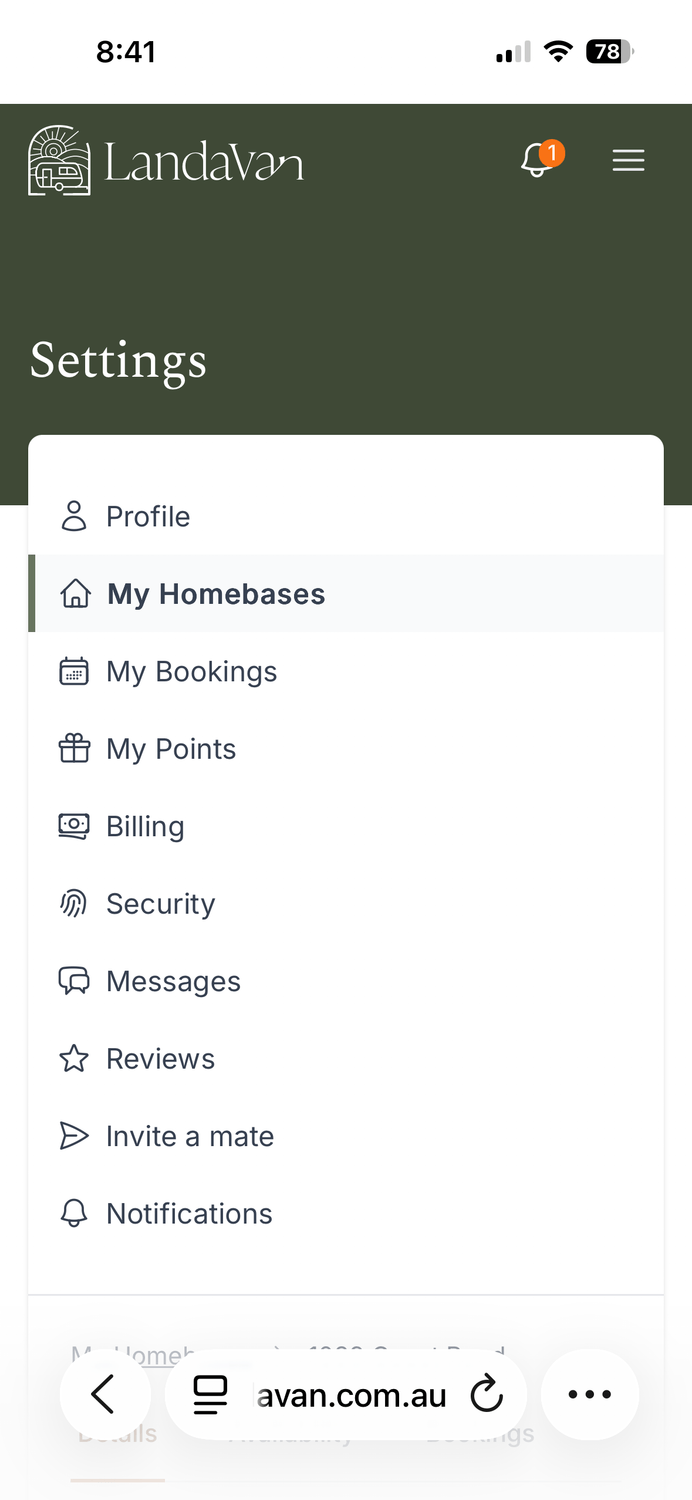
Scroll to the homebase and click the three dots until you get the drop-down list, click "EDIT"
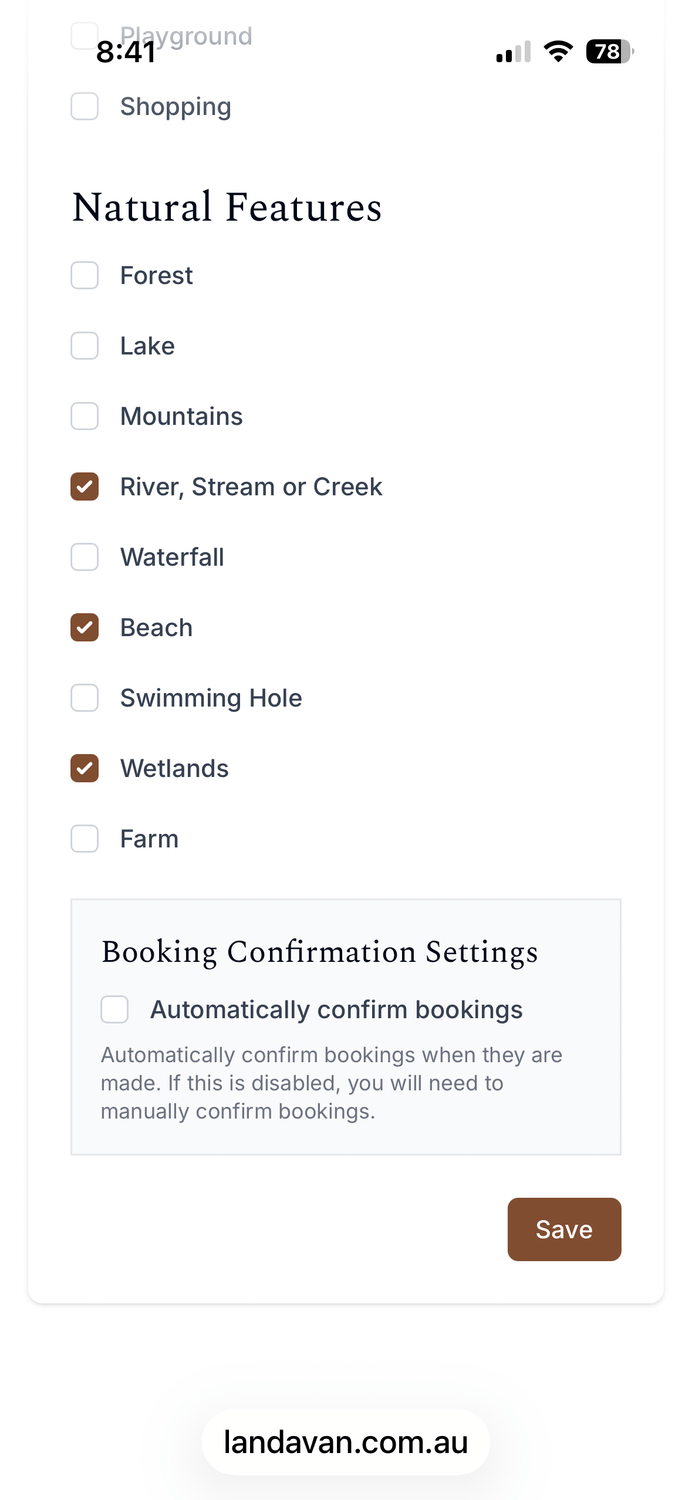
Update with new photos and more details, make sure to click "SAVE" before you close.
Why I started Landavan
After years of travelling around Australia, I realised something.
The best stays were never the ones you found online.
They were the quiet paddocks offered by a local.
The private block shared simply because you met a lovely family heading in your direction.
Those places weren’t public.
They existed through connection.
But most travellers never get access to them.
Caravan parks were becoming crowded, expensive, and free camping often came with uncertainty.


I knew there had to be a better way.
Landavan was created to bring together travellers who already understand this — people willing to offer access to their own property, and in return, gain access to others across Australia.
Not as customers.
But as members of a trusted network.
Today, Landavan is quietly growing into a private travel network where members can stay in places most travellers will never see.
And it’s only just beginning.
— Eulanda, Founder
While being shocked at the kindness of someone she had only known a short time, over time Eulanda realised that many Aussies had this generous spirit, and would be willing to work together to make travel more enjoyable. LandaVan was born!
LandaVan is family owned and completely built and run right here in Australia.

Copyright © Landavan 2023


GET OUR GUIDE
We HATE spam. Your email address is 100% secure